


 View screen ↗
01
Check in and see classes left.
Members enter the last four digits of their phone number. They see classes left and the pass expiry date.


Start with members and check-in. Add class booking and instructor pay calculations when you need them.
Basic features free for 60 daysFor studios in the Philippines. Korea first-year reference: KRW 100,000, including the first 60 days freeConfirm your country’s fee, taxes and available support with us before starting. Renewal is quoted separately. No automatic charge.

Check-in, bookings and pay calculations. See the real screens and choose what you need.
Actual app screens with sample data. Tap a picture for a closer look.
View screen ↗Members enter the last four digits of their phone number. They see classes left and the pass expiry date.
 View screen ↗
Members choose classes their pass allows. Manage places and waiting lists in the same screen.
Set instructor rates and see estimated pay from the class schedule. Check the lessons taught before sharing the pay statement.
 View screen ↗
Save member details and passes. Add an intake form or signature only if your studio needs one.
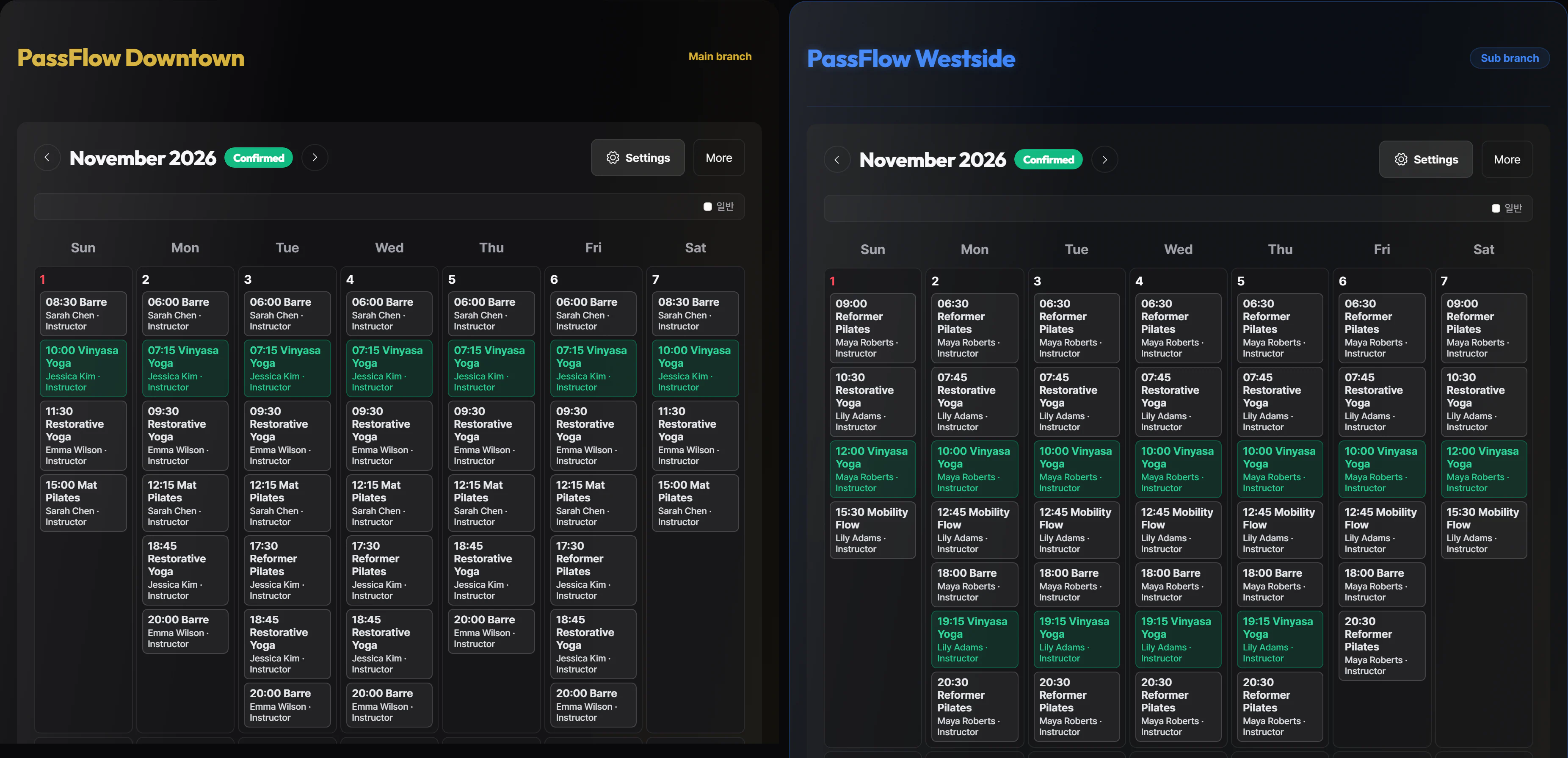 View screen ↗
Manage branches separately and discuss room-specific setup to suit your operation.
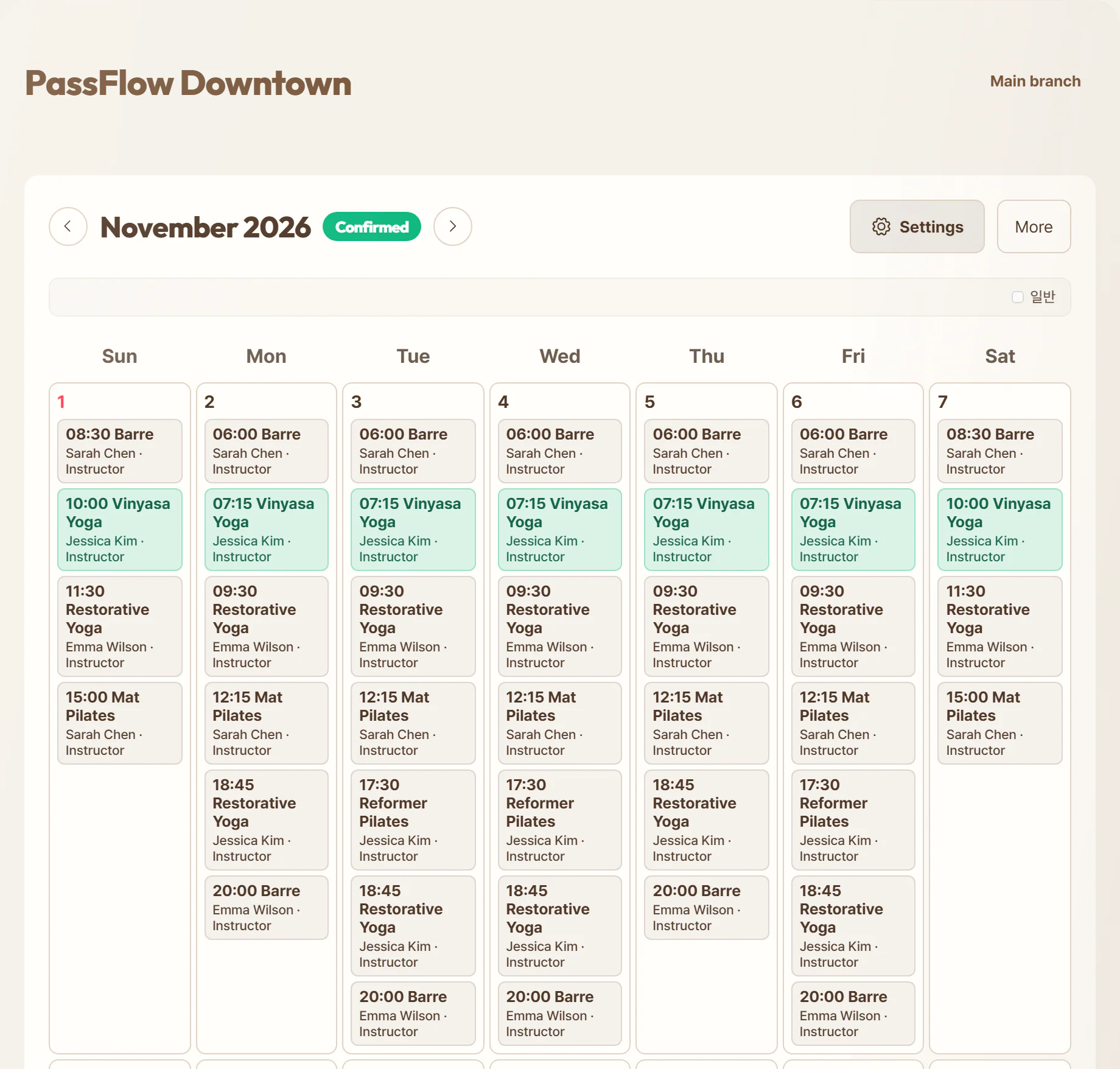
 Dark designLight design
Use your logo and choose a light or dark look that fits your studio.
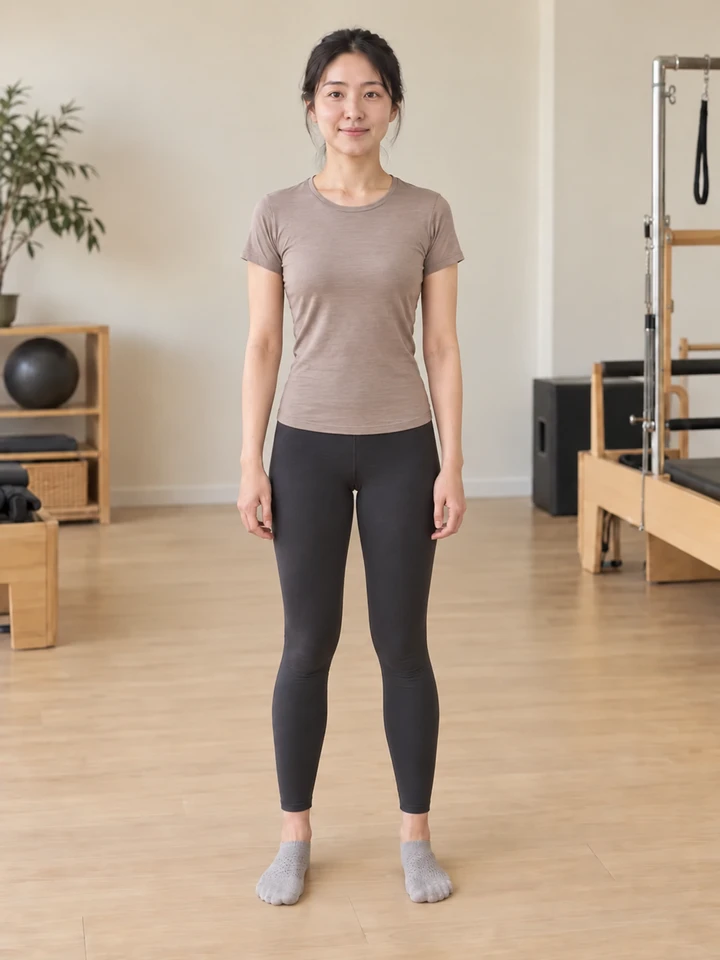
 BeforeAfter
Simple capture uses a grid backdrop or takes a quick photo. AI-guided capture adds screen grids, previous photos and on-device framing guidance. Compare either later.
AI sample photos · Not real members
 View screen ↗
 Swipe comparison ↗
 View screen ↗
Check remaining sessions, expiry dates and bookings in the member app.
See how it works →View screen ↗See today’s attendance, class and instructor popularity, and recent trends.
 Class and instructor popularity ↗
 View screen ↗
Give instructors their own view of assigned classes and participants.
See how it works → View screen ↗
Review revenue and renewals. With AI enabled, draft renewal and payment reminders, then review before sending.
 AI reminder draft ↗
You manage the studio. Instructors and members use their own mobile screens.
Real app screens with sample data. Available features follow each studio’s settings.
View screen ↗
Assigned classes and members, together.
View screen ↗
Passes, bookings and your instructor.
 View screen ↗
A tablet at reception. Check-in and pass balance in one place.
QR and face need registration and a compatible camera. The large kiosk QR opens the member app.
We explain what we can change, the cost and how long it will take before we start.
Ask us about your studio →Choose a design that fits your studio and start with the features you need. These screens use sample data.
Last 4 phone digits Check-in complete Visits and validity left
Real app screens · sample data
A new studio starting with check-in
Check in with four phone digits and see classes left and the expiry date. The design fits your studio.
A studio with multiple locations
See classes and assigned instructors for each location. Each studio keeps its own way of working.
Access to your studio’s information follows each person’s permissions.
Member, membership and attendance records are backed up weekly and kept for 30 days.
Recovery features are available for operational records from the past 7 days.
Records and photos are recovered only after operator review.
Privacy policy →Record backups do not include photo files or login accounts. Deleted photos have a separate 7-day recovery window. Recovery depends on when the issue occurred and what has been retained.
From check-ins to bookings, explore the real app screens.

Attendance, bookings and new members in one place.

Members enter their number to check in. Face recognition is optional and requires member consent.

Sessions, bookings and your check-in QR at a glance.

See today’s classes and participants.
Compare price, features, and setup options to find the right fit for your studio.
We review spreadsheets or records from your current program and help transfer remaining sessions and expiry dates. We confirm the transfer scope and cost first.
Confirm your country’s fee, taxes and available support with us before starting. Renewal is quoted separately. No automatic charge.
Basic features free for 60 days
AI & tailored operations
Existing logo and color settings included. AI covers available features within usage limits. Additional support and development are separately scoped and quoted. No automatic charging.
Make the app look like your studio, with your logo and the design you like. Start with the features you need. We can discuss extra changes together. We explain what we can change, the cost and how long it will take before we start.
We use the onboarding answers first, then fit PassFlow to your real class flow.
Confirm schedule, pricing, locations, and member rules from onboarding.
We align check-in, memberships, branches, and admin access to your studio.
Test the admin, kiosk, member, and instructor apps before your first real class.
We explain what we can change, the cost and how long it will take before we start.
You choose which classes need a booking and which allow walk-ins. Set class sizes, waitlists and cancellation times. We can help check any special pass rules.
Set pay per class, per hour, by attendance or as a fixed monthly amount. The app calculates pay from class records for you to check. It does not send bank transfers. Ask us about special rates or tax requirements.
We help move member details, classes left and expiry dates from your current file. We agree what to move and the cost first. For the first chat, send an empty template or a sample with names and contacts removed.
Make the app look like your studio, with your logo and the design you like. Start with the features you need. We can discuss extra changes together.
What it does, what it costs and how to get started.
Members, bookings, check-in and instructor pay calculations, all in one place. Start with what you need.
You choose which classes need a booking and which allow walk-ins. Set class sizes, waitlists and cancellation times. We can help check any special pass rules.
Make the app look like your studio, with your logo and the design you like. Start with the features you need. We can discuss extra changes together. We explain what we can change, the cost and how long it will take before we start.
We help move member details, classes left and expiry dates from your current file. We agree what to move and the cost first. For the first chat, send an empty template or a sample with names and contacts removed.
Set pay per class, per hour, by attendance or as a fixed monthly amount. The app calculates pay from class records for you to check. It does not send bank transfers. Ask us about special rates or tax requirements.
Extra design, new features and moving member records are quoted separately. SMS, online card payments and door equipment may cost extra. Saving a payment record is separate from accepting a card payment.
Look at real screens or try the demo without signing up. Create your studio and try basic features free for 2 months (60 days). The free days are included in your first year. There is no automatic charge.
When a studio enables pass-based class visibility, the member app shows classes included in the member’s pass. Booking still checks pass dates, remaining sessions, weekly limits, class capacity and booking deadlines. Classes already booked or waitlisted remain visible for reviewing and cancelling the existing booking, even if the pass changes. The class cancellation rules still apply.
Members compare two of their own photos side by side, with a slider or an overlay. If the studio enables optional AI, each request needs consent to describe visible differences. It does not provide precise body measurements or diagnoses. With a confirmed 15cm printed reference at the same depth as the body, the device compares landmark distances in the photo plane as estimates, not precise body measurements.
Studios using intake forms can choose an app signature, confirmation of a paper signature, or information-only recording when adding a member or opening member details. Answers and records stay in member details; information-only recording is not a signed enrollment agreement.
Each product can use total sessions or weekly or daily allowances. Unused weekly and daily allowances do not roll over. Regular and opening-offer prices can be separate products; editing prices does not automatically change existing passes.
Assign instructors to classes and distinguish them by color and name on mobile timetables. Class records and configured pay rules produce estimates for owner review and approval. Actual bank transfers remain separate.
Make the app look like your studio, with your logo and the design you like. Start with the features you need. We can discuss extra changes together. Members, instructors, owners and check-in tablets use the same studio design. We explain what we can change, the cost and how long it will take before we start.
Register a main pass, add-on classes and benefits included with private lessons together. Each benefit keeps its own dates, sessions and eligible classes; attendance uses the matching benefit. Products and operating rules are configured per studio.


 Face setup ↗